
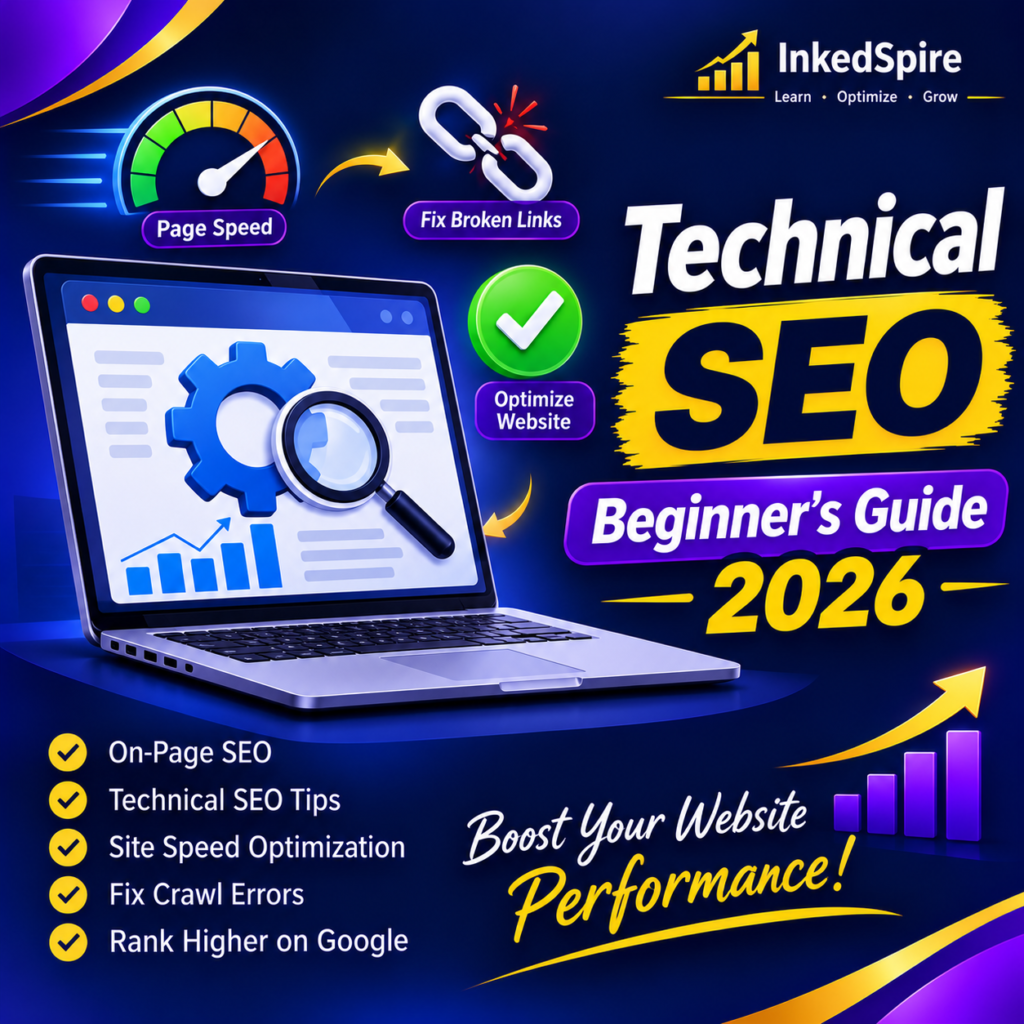
Have you ever visited a website that looked beautiful, but it took 10 seconds to load? Or maybe you clicked on a link from Google and got a “404 Error” page?
That is exactly what happens when a website ignores Technical SEO.
You can write the best articles in the world, but if Google’s bots can’t crawl your site properly, you will never rank on the first page.
In this guide, I am going to explain Technical SEO in plain English. No confusing jargon, just the exact steps you need to fix your website.
Let’s dive in.
What is Technical SEO?
Think of your website as a library.
Content is the books.
Off-page SEO is people recommending your books.
Technical SEO is the library building itself.
If the doors are locked, the shelves are broken, and the lights are off, no one can read the books. Technical SEO makes sure Google’s bots can easily enter your website, read your pages, and understand them.
1. Speed Up Your Website (Core Web Vitals)
Google hates slow websites. If your site takes more than 3 seconds to load, visitors will leave, and Google will lower your ranking.
How to fix it:
Compress your images: Don’t upload 5MB photos. Use tools like TinyPNG or WebP format to shrink them.
Use Caching: Install a free plugin like WP Super Cache or LiteSpeed Cache on WordPress. This creates a “fast copy” of your site.
Check PageSpeed Insights: Go to Google PageSpeed Insights, type your URL, and fix the red errors it shows.
Related: Learn how to create a strong online presence with this Mastering Digital Guide: SEO Strategies for Online Growth.
2. Fix Broken Links (404 Errors)
A 404 error happens when a user clicks a link, but the page doesn’t exist anymore. If Google keeps finding broken links on your site, it will think your site is poorly maintained.
How to fix it:
Use a free tool like “Broken Link Checker” on WordPress.
If a page is gone forever, 301 redirect it to a similar, relevant page on your site.
3. Create an XML Sitemap
An XML sitemap is like a map you give to Google. It tells Google exactly where all your pages are.
How to fix it:
If you use WordPress, the Yoast SEO plugin creates a sitemap for you automatically.
Just submit your sitemap link (e.g.,
yourwebsite.com/sitemap_index.xml) to Google Search Console.
Related: Learn how to promote your content through social media with this Guide to Modern Social Media Marketing Strategies 2026.
4. Make Your Site Mobile-Friendly
More than 60% of people browse the internet on their phones. Google uses “Mobile-First Indexing,” which means it looks at the mobile version of your site first.
How to fix it:
Use a responsive theme (like Astra or GeneratePress).
Test your site on your own phone. Does the text fit? Are the buttons easy to click?
Make sure you don’t have intrusive pop-ups on mobile.
5. Fix Duplicate Content (Canonical Tags)
Sometimes, the same content can be accessed through different URLs (e.g., yourwebsite.com/page and www.yourwebsite.com/page). This confuses Google.
How to fix it:
Use a “Canonical Tag” to tell Google which is the main version of the page.
If you use Yoast SEO, it handles this automatically. Just make sure your URLs are consistent (either always use
wwwor never use it).
6. Secure Your Website with HTTPS
If your website starts with http:// instead of https://, Google will mark it as “Not Secure” in the browser. This scares away visitors.
How to fix it:
Buy an SSL certificate (most hosting providers give it for free).
Install it and make sure your site redirects to the
https://version.
Related: If you want to turn your SEO skills into a freelance income, read this Mastering Freelancing for Modern Digital Success Guide.
Common Technical SEO Mistakes to Avoid
| Mistake | Why It Hurts |
|---|---|
| Blocking Google Bots in robots.txt | Google can’t see your site, so you will never rank. |
| Ignoring Search Console Errors | Small errors turn into big problems over time. |
| Using too many redirects | It slows down your website and confuses Google. |
Final Thoughts
Technical SEO sounds scary, but it is basically just making sure your website is fast, secure, and easy for Google to read.
You don’t need to do everything at once. Start with speed and a sitemap, and fix the errors in Google Search Console.
Once the technical foundation is strong, your content will rank much faster.
Need Help Growing Your Business Online?
I am Ali Hassan, a Certified Digital Marketer. I help businesses, bloggers, and creators grow their traffic, engagement, and sales.
If you need professional help with your website or social media, I offer these services on Fiverr:
👉 Click here for Expert SEO & Google My Business Services:
👉 Click here for Digital Marketing & Local Business Services:
Or you can contact me directly through my website here: https://inkedspire.com/contact/