
So, you have been thinking about it for a while. You want to start a blog, but every time you Google “how do I start a blog,” you get overwhelmed by those 10,000-word articles full of technical jargon.
Let’s keep it simple. Starting a blog is not rocket science. You don’t need to be a tech genius or a professional writer. You just need a topic you love, a little patience, and a step-by-step plan.
In this guide, I will walk you through the exact steps to start your blog today. No fluff, just the real stuff.
Let’s dive in.
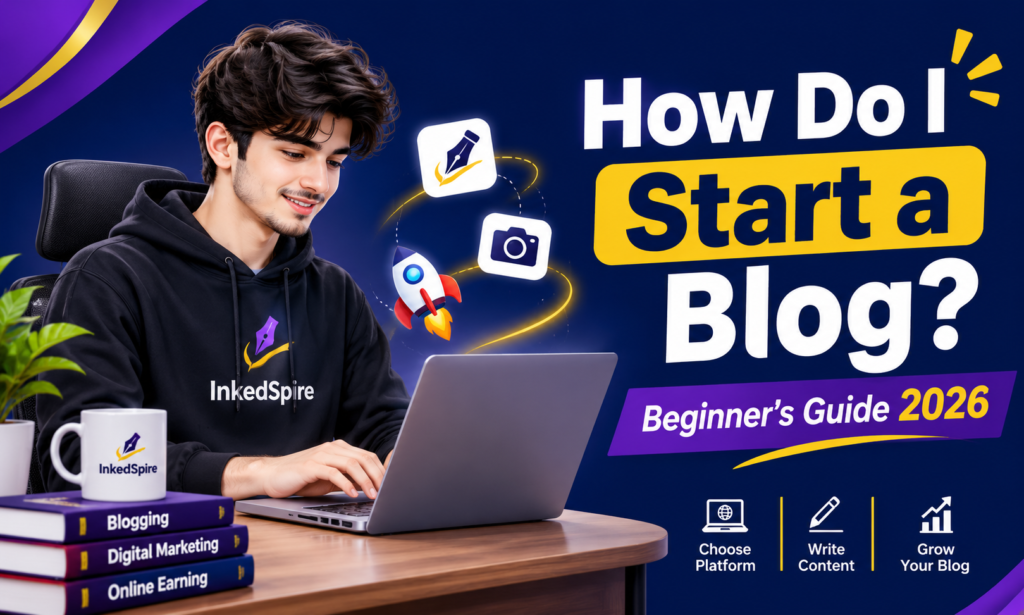
Step 1: Decide What You Want to Write About (Niche)
Before you pick a name or buy a domain, ask yourself: What will I write about?
This is called your niche. If you write about everything (cooking today, tech tomorrow, fitness next week), no one will know what your blog is about.
Pick one main topic. It could be:
Personal Finance
Digital Marketing
Travel
Food
Health and Fitness
Choose something you already know a lot about, or something you are excited to learn.
Related: If you want to learn how to build a strong online presence, check out this Mastering Digital Guide: SEO Strategies for Online Growth.
Step 2: Choose the Right Platform (WordPress vs. Blogger)
Step 2: Choose the Right Platform (WordPress vs. Blogger)
This is where most people get stuck. You have two main options:
WordPress.org (The Professional Choice): This is what 90% of successful bloggers use. It requires you to buy a domain and hosting (which is very cheap), but you have 100% control over your blog.
WordPress.com or Blogger (The Free Choice): These are free, but you don’t own your blog. You can’t run ads easily, and it is hard to look professional.
My advice: If you are serious about making money from your blog, go with WordPress.org. It is an investment that pays off.
Step 3: Get a Domain and Hosting
Your domain is your blog’s name (like www.yourname.com). Your hosting is where your blog lives on the internet.
Domain: Buy a
.comif possible. It costs around $10-$15 a year.Hosting: Use a reliable company like Hostinger or Bluehost. It costs around $3-$5 a month.
Once you buy them, you can install WordPress with just one click from your hosting dashboard.
Related: Learn how to promote your blog posts through social media with this Guide to Modern Social Media Marketing Strategies 2026.
Step 4: Pick a Simple Theme
Your theme is how your blog looks. Do not spend weeks choosing a theme.
Pick something clean, fast, and mobile-friendly. Free themes like Astra or GeneratePress are perfect for beginners. They are fast and won’t slow down your website.
Step 5: Write Your First Blog Post
Now comes the fun part. Write a post that helps people. Do not worry about making it perfect. Just be helpful.
A simple structure for your first post:
Introduction: Hook the reader and tell them what the post is about.
Body: Use H2 and H3 headings to break the text into smaller sections.
Conclusion: Summarize the post and ask a question to get comments.
Related: Learn how to turn your blog into a business with this Mastering Freelancing for Modern Digital Success Guide.
Step 6: Install Essential Plugins
Plugins add features to your blog. Keep it simple. Install only what you need:
Yoast SEO: To help Google understand your posts.
WP Super Cache: To make your blog load faster.
Akismet: To block spam comments.
Common Mistakes to Avoid
| Mistake | Why It Hurts |
|---|---|
| Giving up too soon | Blogging takes 6-12 months to show real results. |
| Writing for Google only | Write for real people first. |
| Copying others | Google will penalize your blog. |
| Not promoting | Writing is only half the job. You have to share it on social media. |
Final Thoughts
So, how do you start a blog? You pick a topic, buy a domain, install WordPress, and write your first post. It is that simple.
Do not wait for the “perfect moment.” The perfect moment is today. Start now, and thank yourself a year from now.
Need Help Growing Your Business Online?
I am Ali Hassan, a Certified Digital Marketer. I help businesses, bloggers, and creators grow their traffic, engagement, and sales.
If you need professional help with your website or social media, I offer these services on Fiverr:
👉 Click here for Expert SEO & Google My Business Services:
👉 Click here for Digital Marketing & Local Business Services:
Or you can contact me directly through my website here: https://inkedspire.com/contact/